Guide › Teacher › Your sessions
Your sessions
Your timetable, and the one view worth living in.
Watch it instead · 32s
- 1
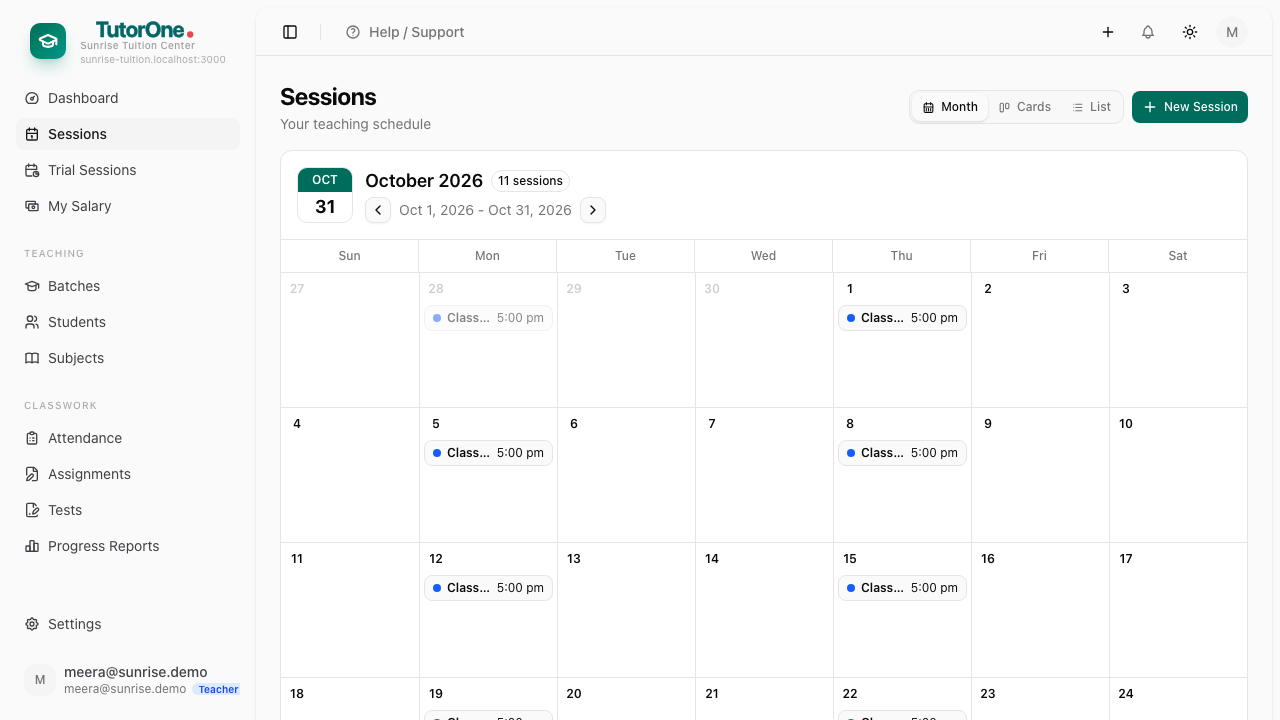
Open Sessions from the left. It opens on a month calendar.
- 2
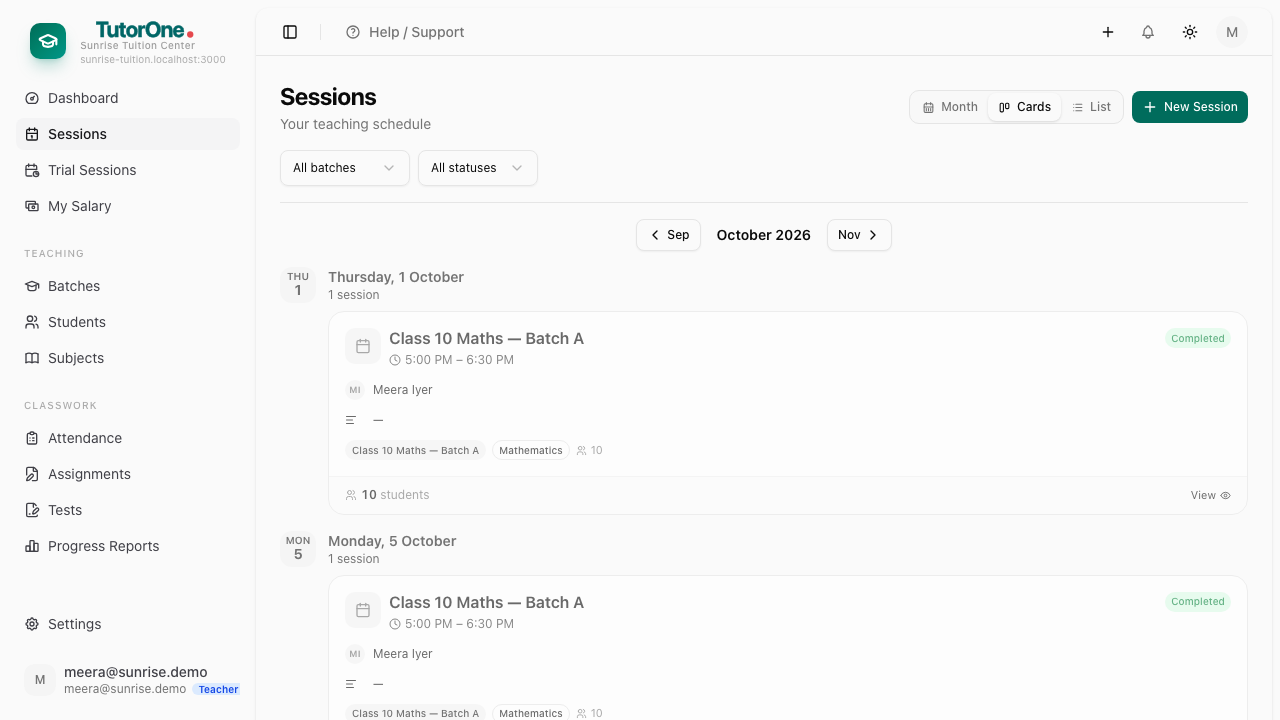
Press Cards for your own day. Today's classes are at the top, in the order they happen.
- 3
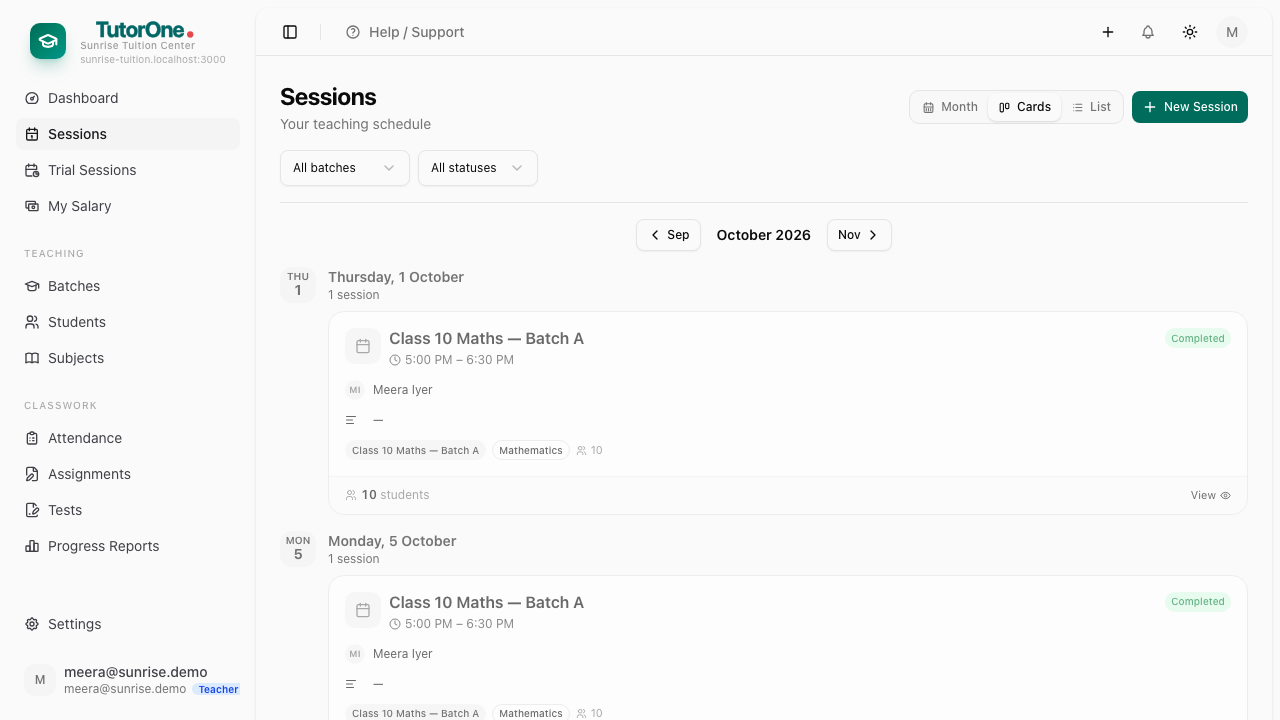
Scheduled means not yet marked. Overdue means you taught it and still haven't.
- 4
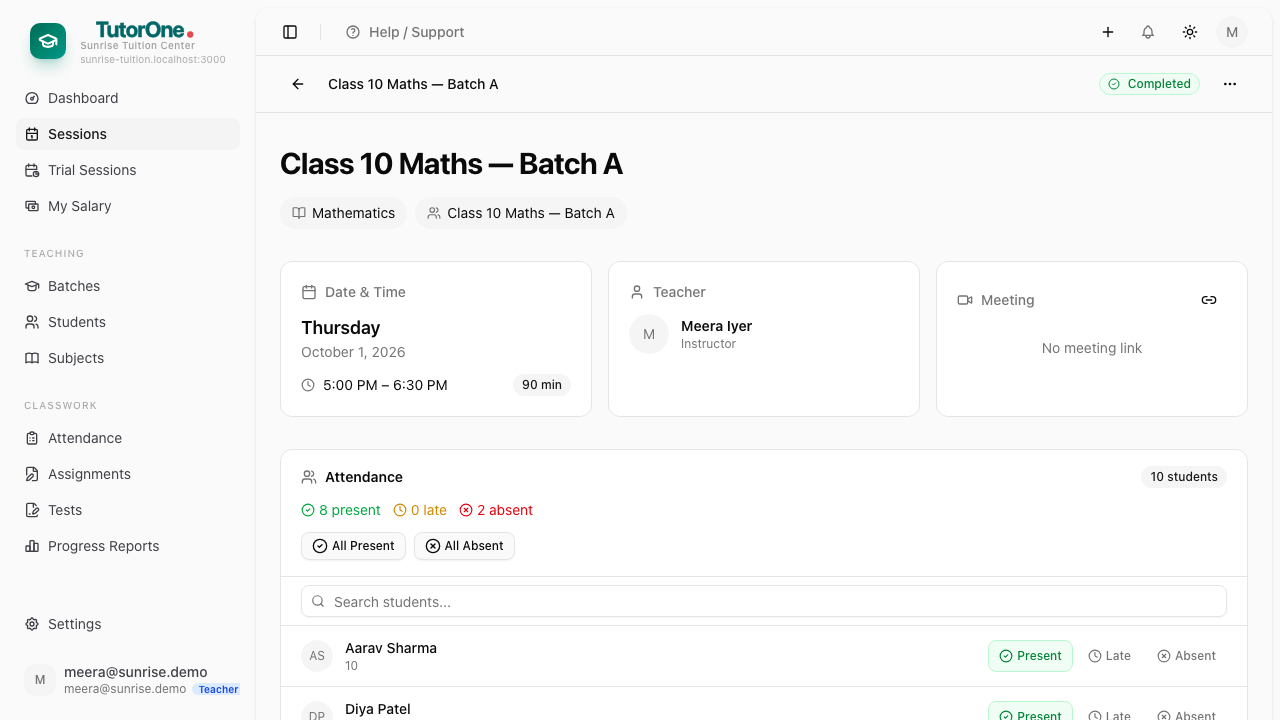
Press View on a class to open it — the batch, the time, and the students in it.
At the end of the day, anything still saying Overdue is a class you forgot to mark.