Guide › Teacher › Progress reports
Progress reports
The parent report, built from what you already recorded.
Watch it instead · 41s
- 1
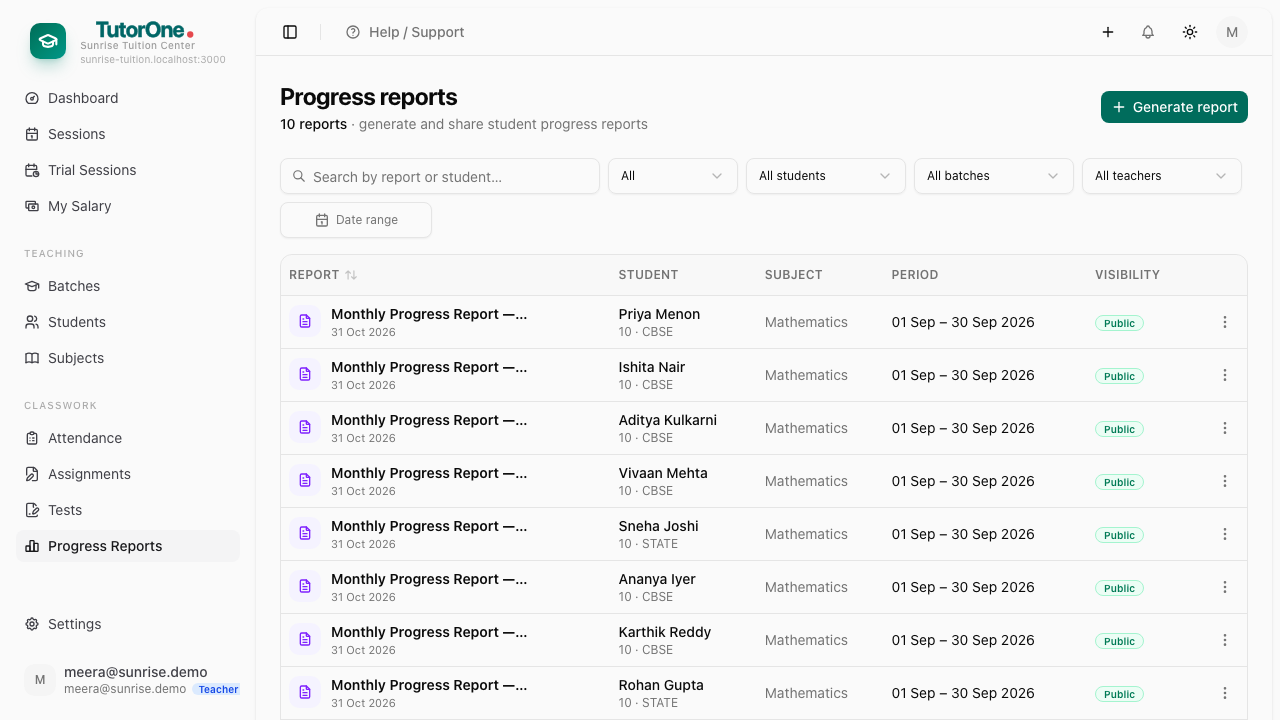
Open Progress Reports and press Generate report.
- 2
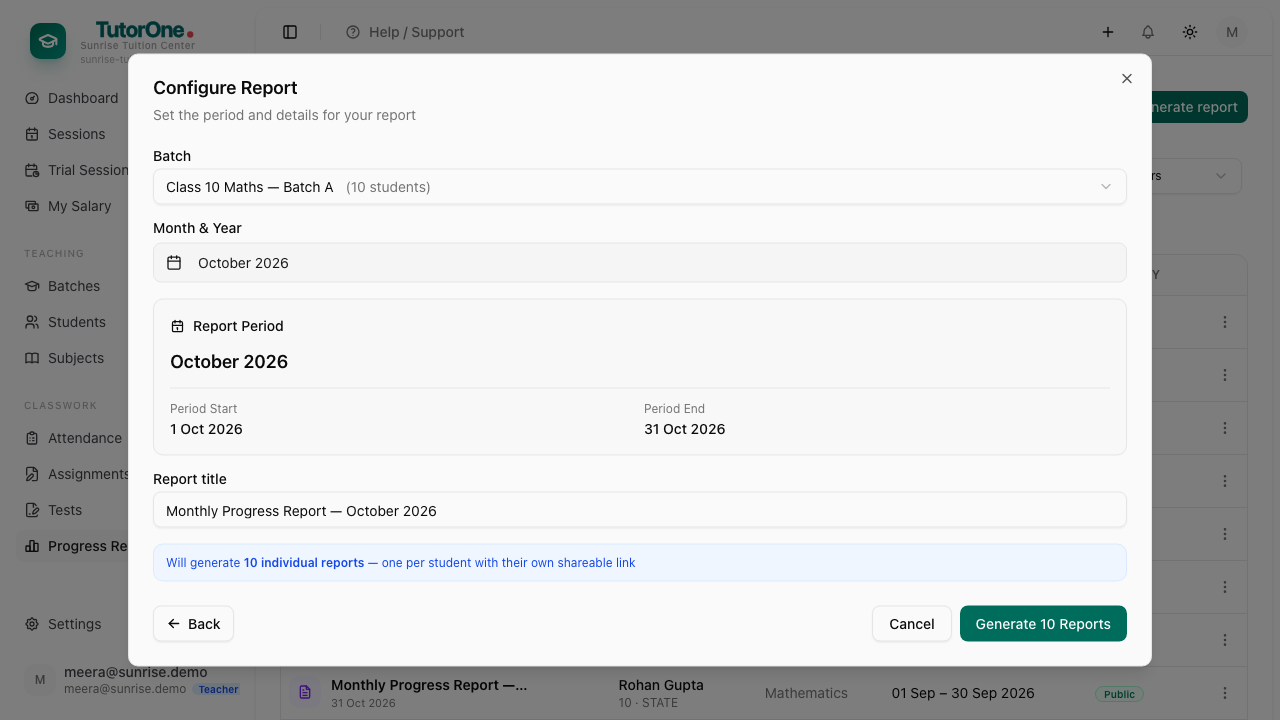
Choose the batch or a single student, and the period the report covers.
- 3
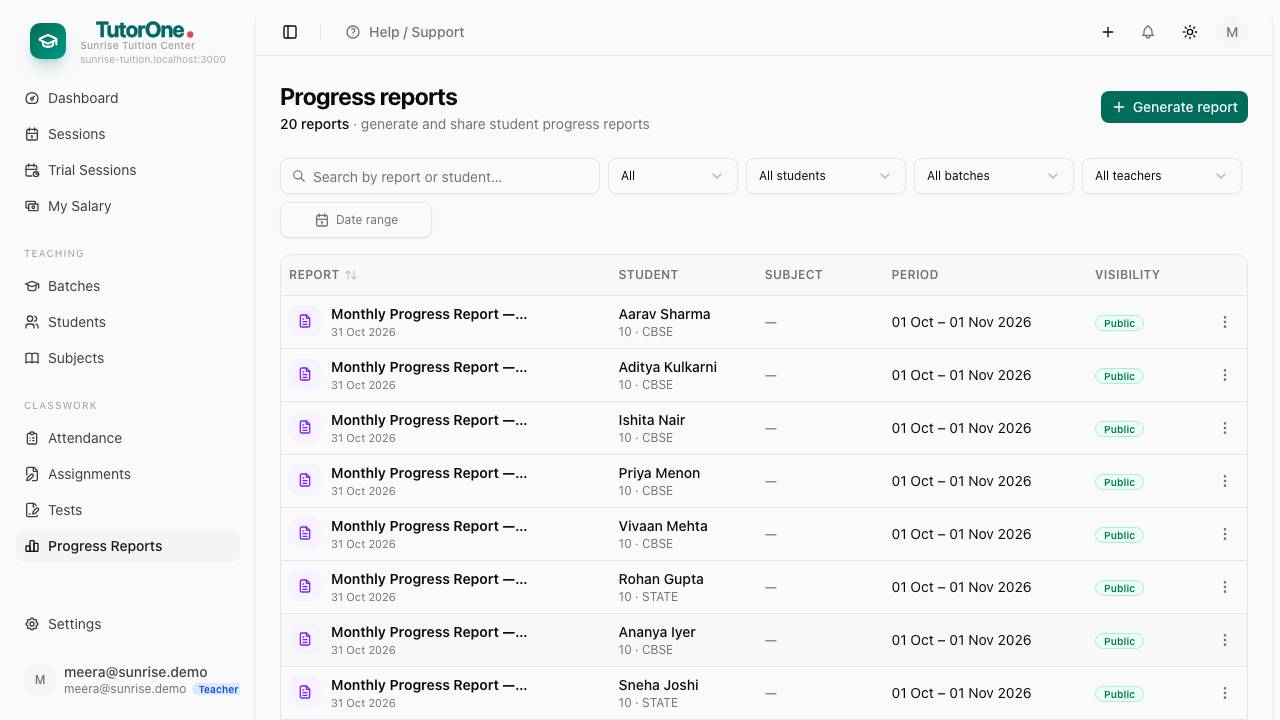
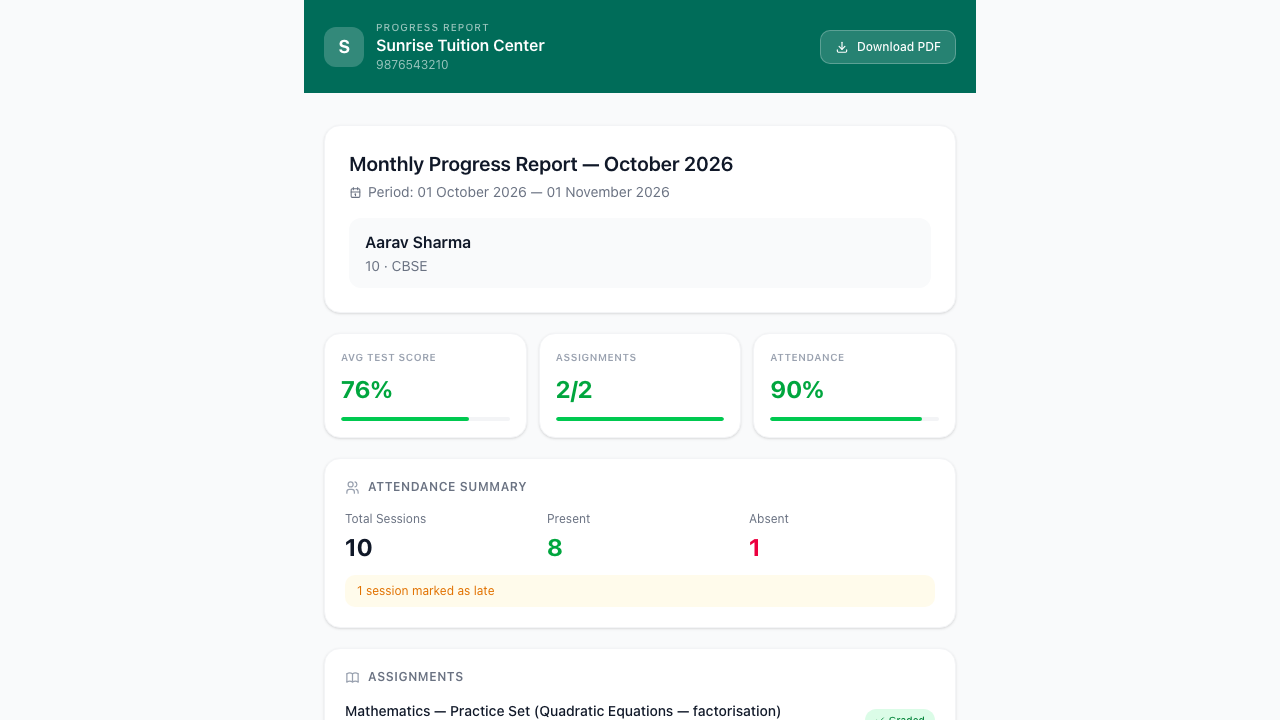
Press Generate. It builds attendance, assignment marks with your comments, and test scores into one document.
- 4
Press Open report to read it before anyone else does — you know this student, so you'll spot anything wrong.
- 5
Press Download for the PDF you share with the parent.
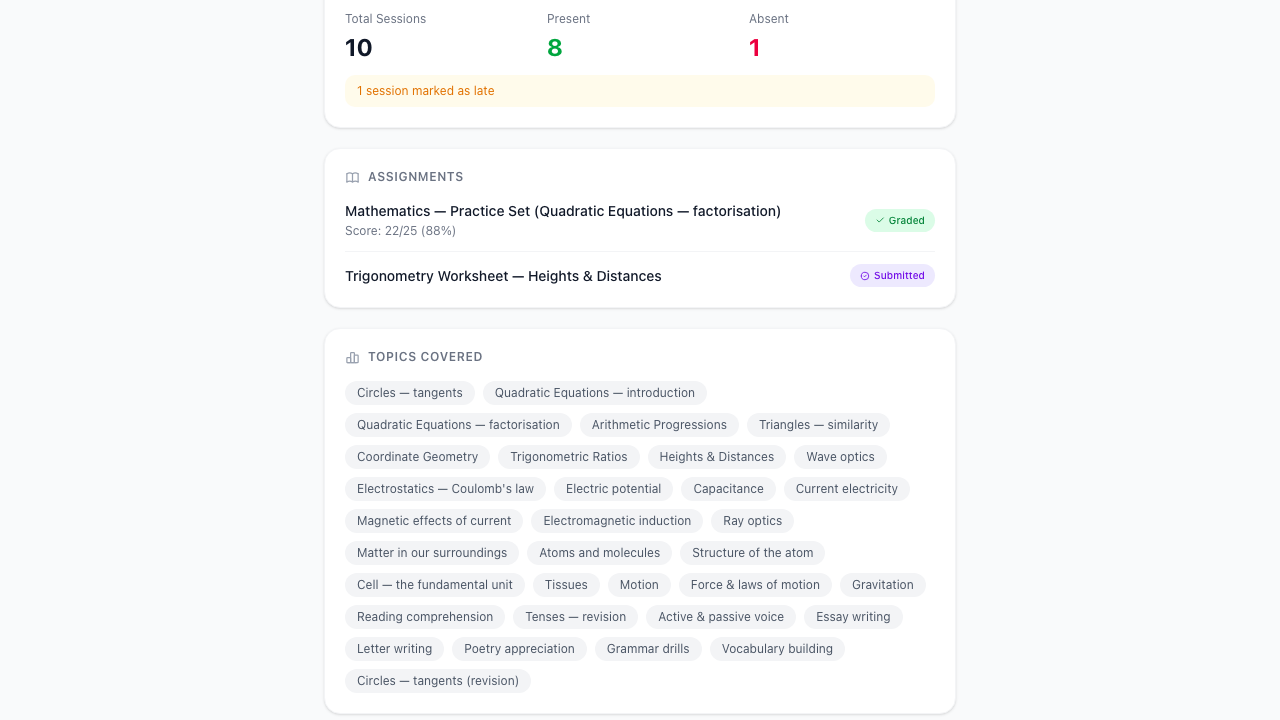
The report is only as good as what went in. A month where attendance wasn't marked shows up as gaps.