Guide › Teacher › Batches and students
Batches and students
The screen to have open when a parent stops you after class.
Watch it instead · 33s
- 1
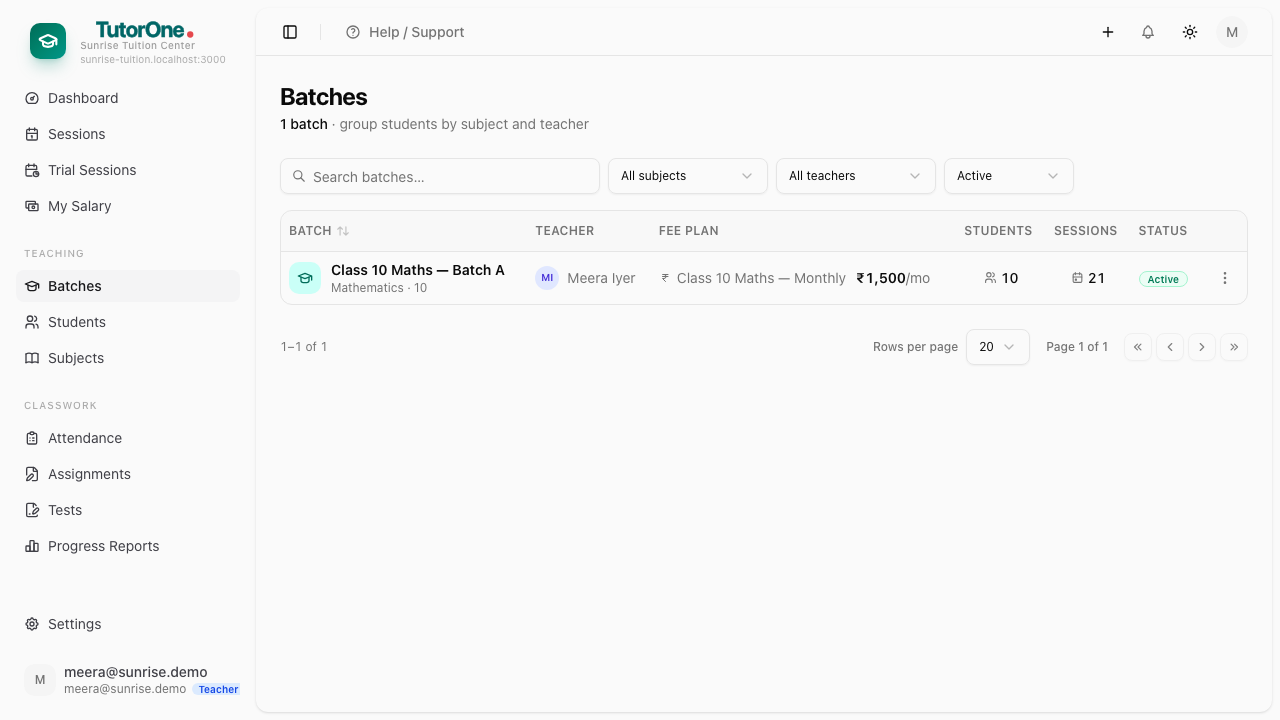
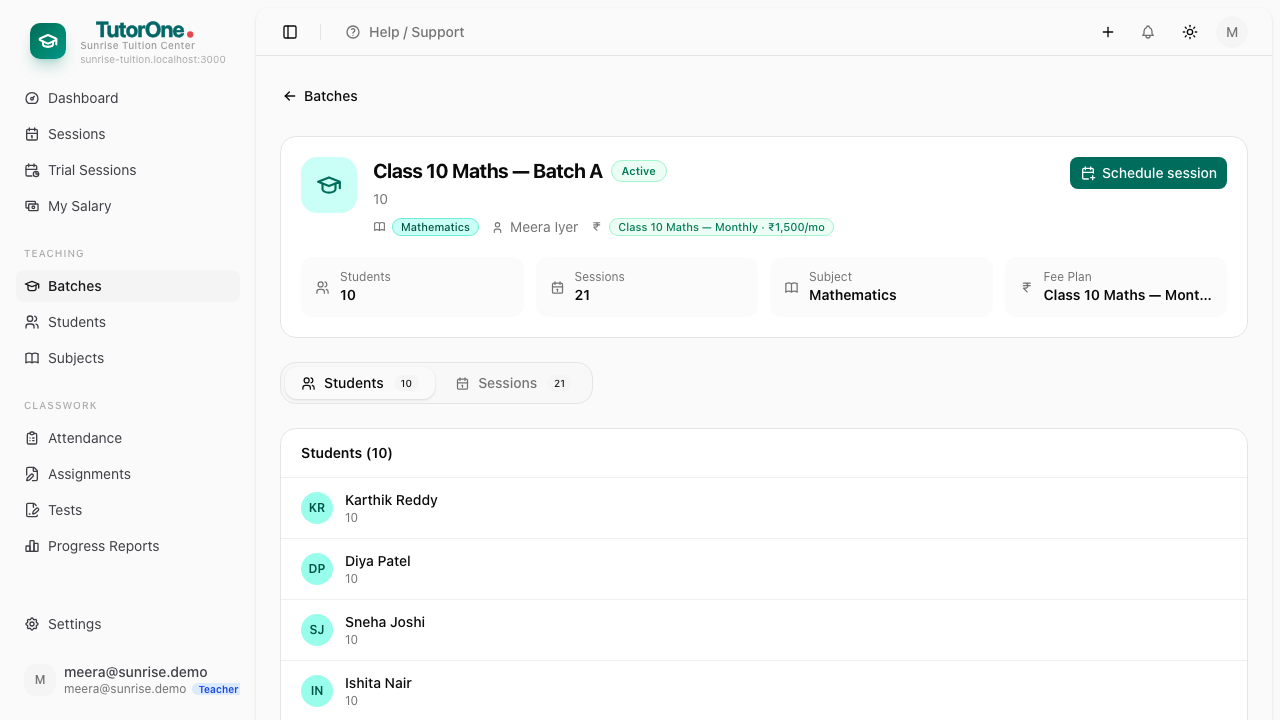
Open Batches — the classes you teach. Open one to see who's enrolled, when it meets and which subject.
- 2
The timetable on a batch is where your sessions come from. If the days are wrong, tell the office.
- 3
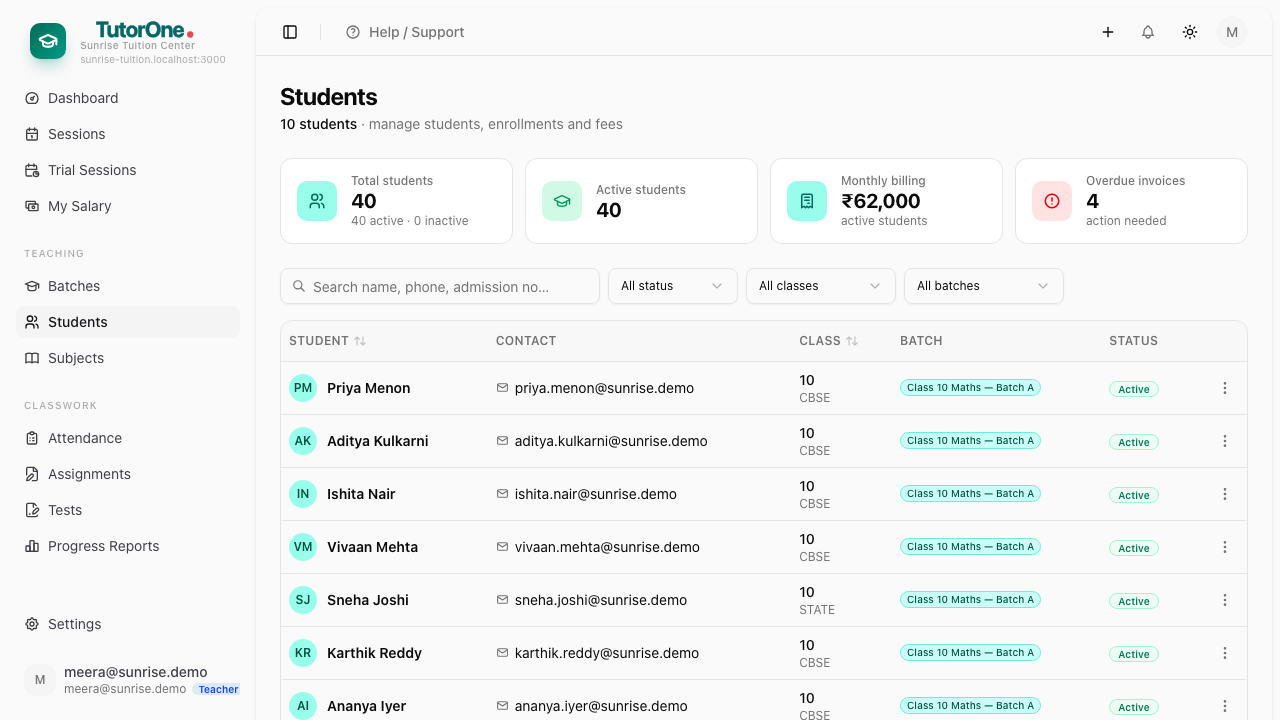
Open Students for everyone you teach, and open one of them.
- 4
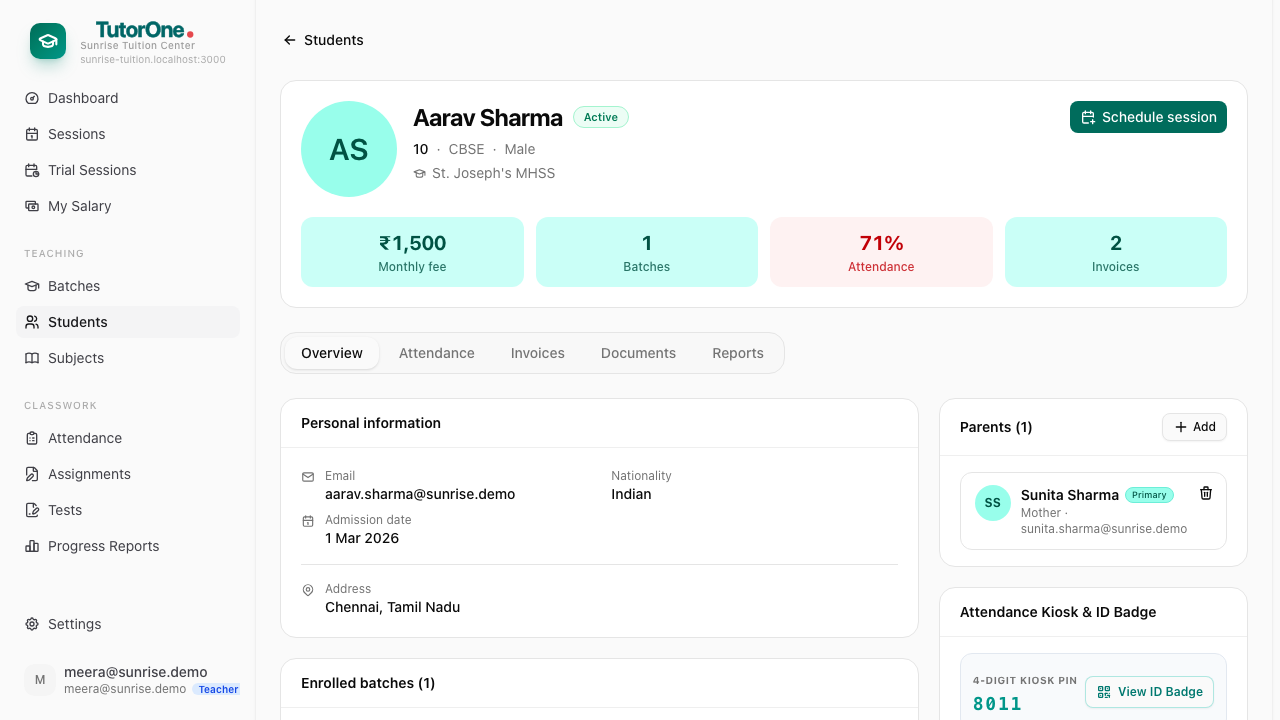
Academic shows their subjects, Attendance shows the pattern, Parents shows who to contact.