Guide › Teacher › Sign in
Sign in
Three steps, and the second one catches everybody out.
Watch it instead · 25s
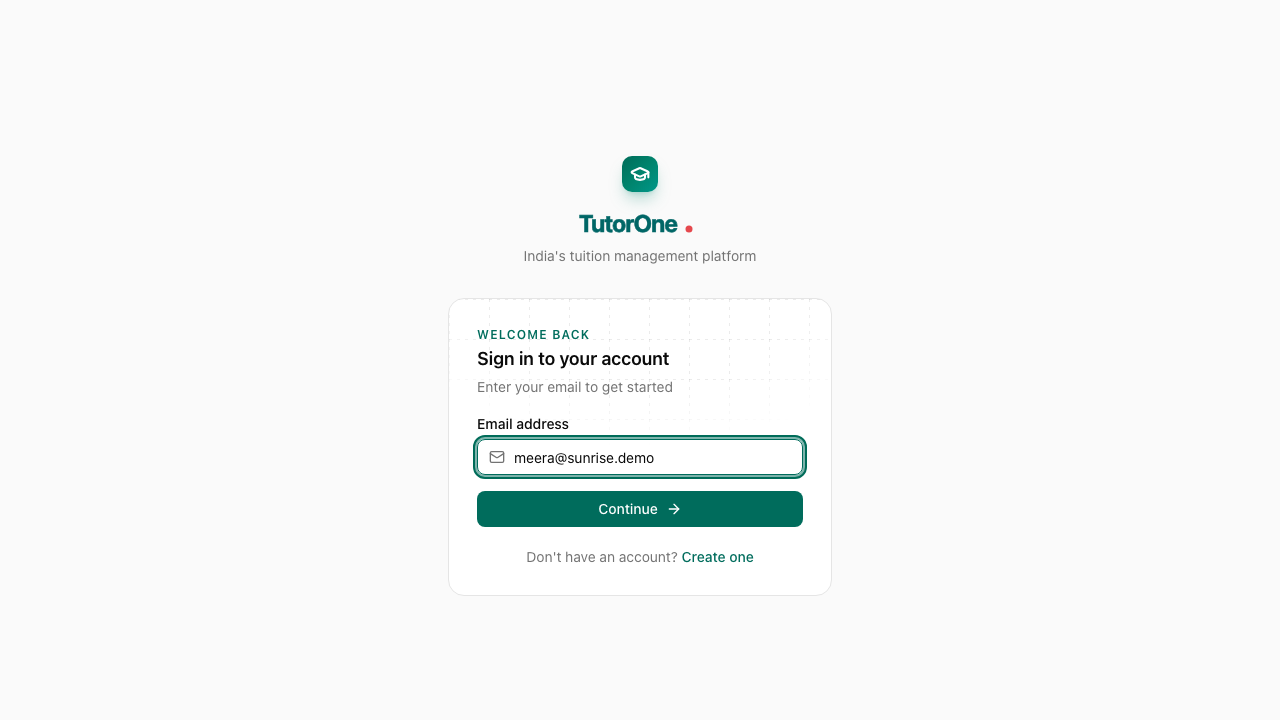
- 1
Type your email address and press Continue. The password does not come first.
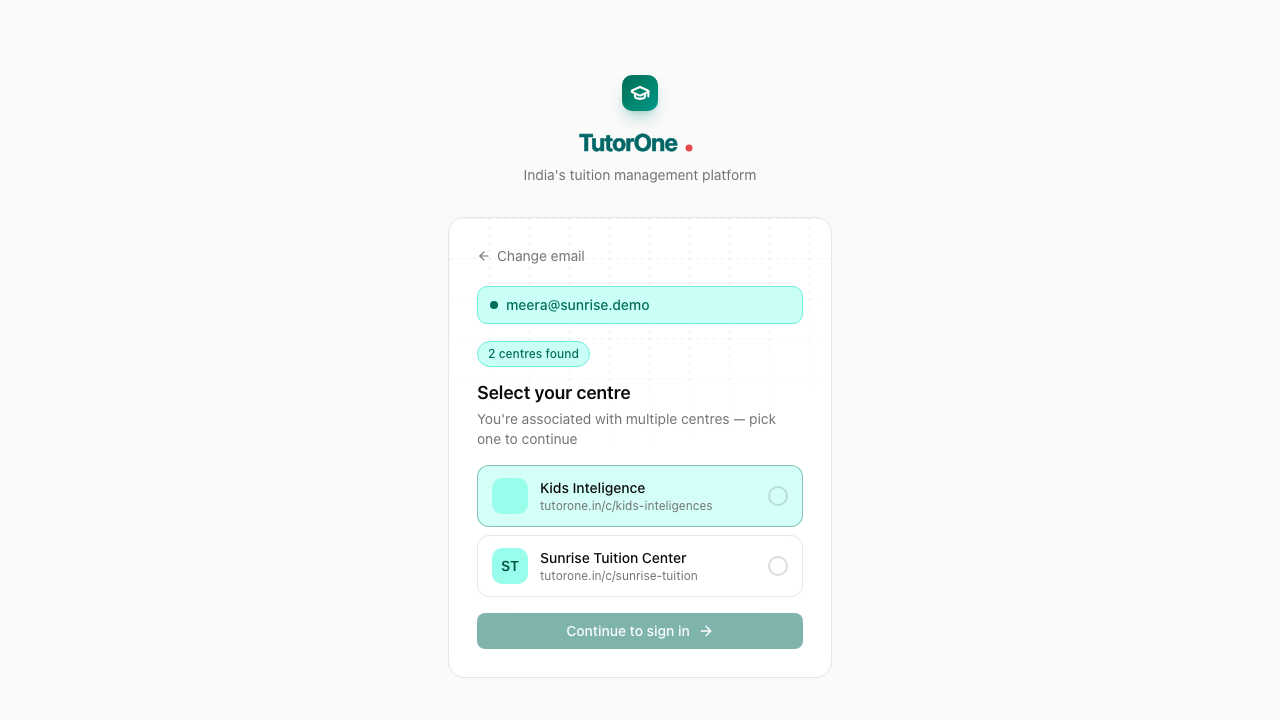
- 2
TutorOne shows which centre you belong to. Press Continue to sign in.
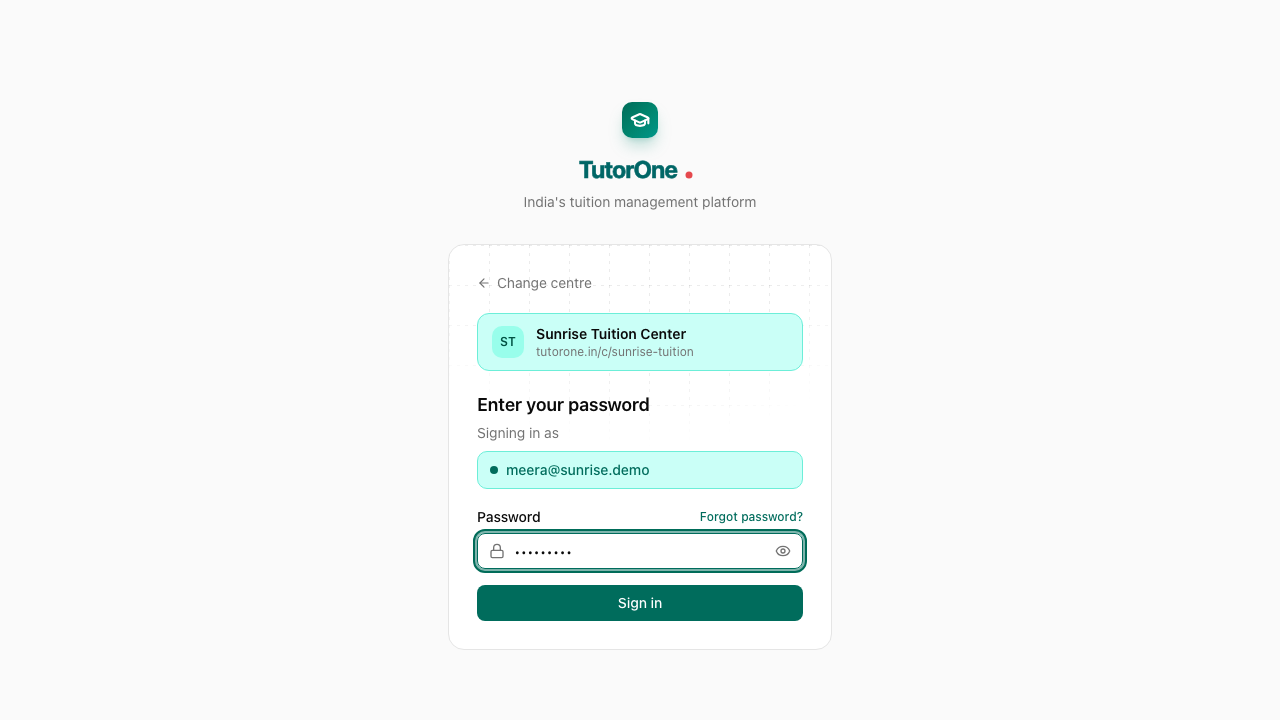
- 3
Type your password and press Sign in.
- 4
Your dashboard opens on today: the classes you're taking, and anything still waiting on you.
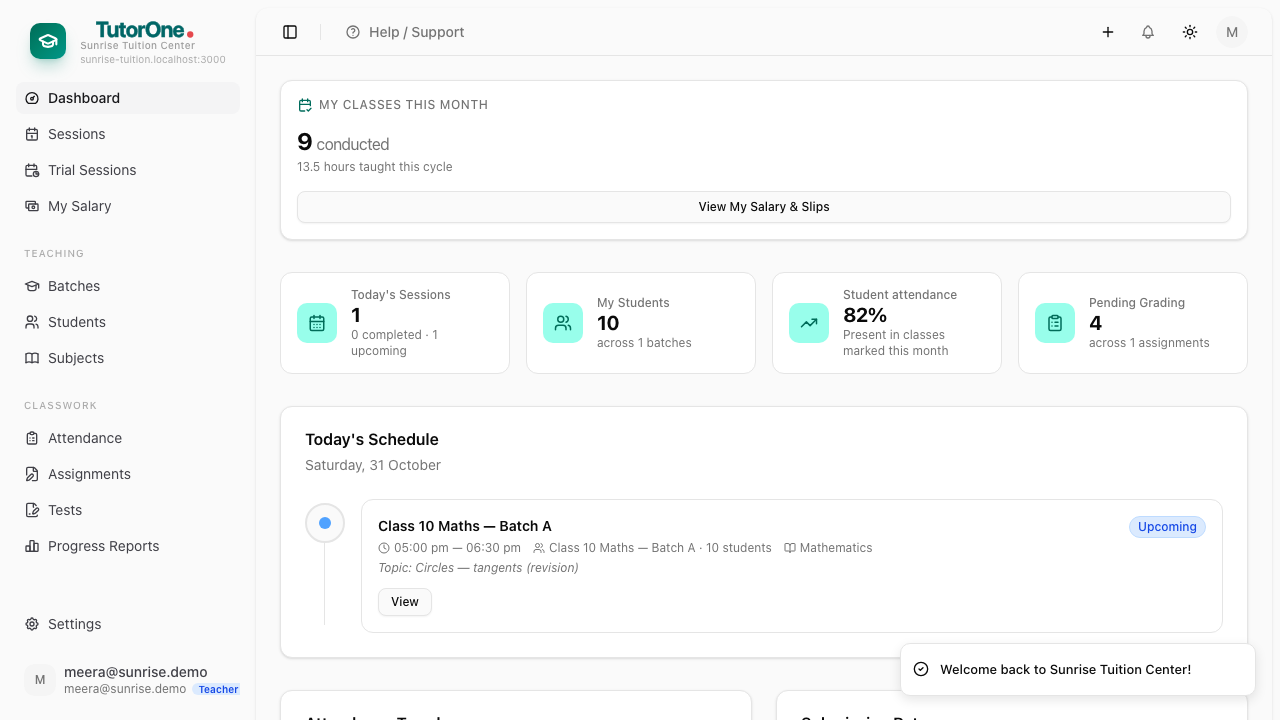
You only see your own classes and your own students, so your menu is shorter than the office's.