Guide › Teacher › Run an online class
Run an online class
The meeting is built in. Nothing to install.
Watch it instead · 51s
- 1
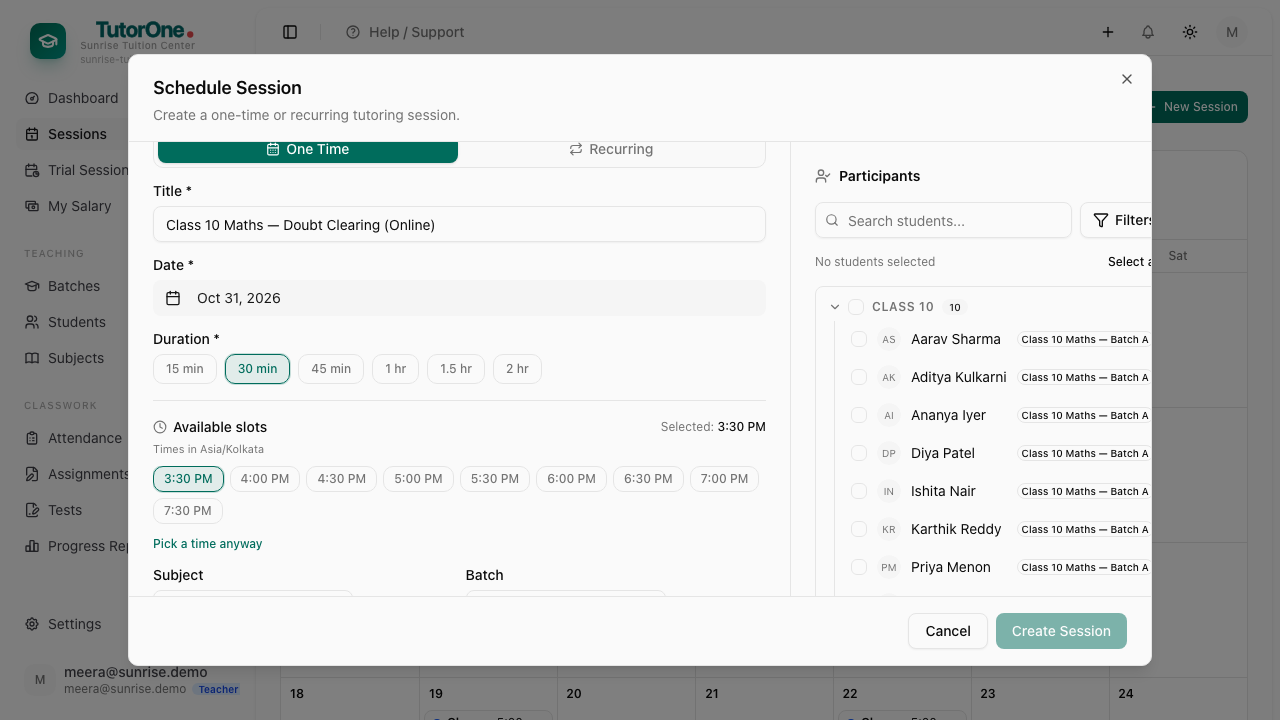
From Sessions, press New session. Name it, pick the date, choose one of your free slots and set how long it runs.
- 2
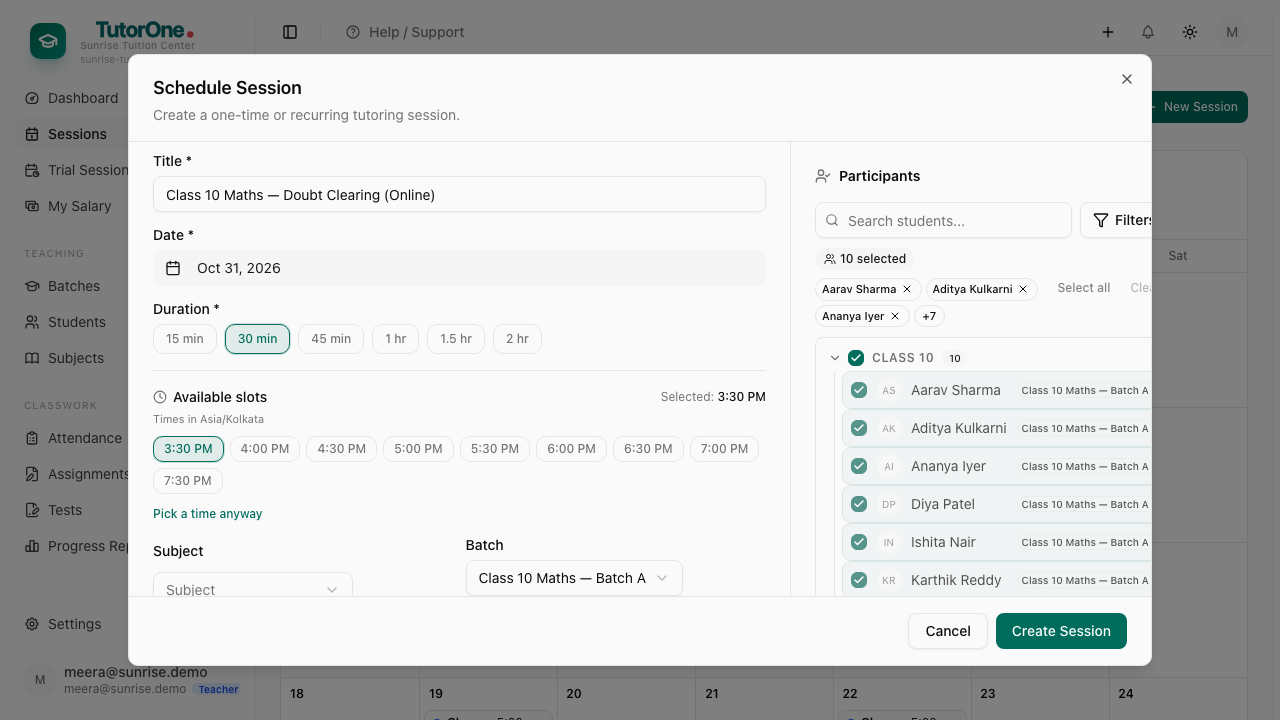
Choose the batch — the students in it are added for you — and press Create Session.
- 3
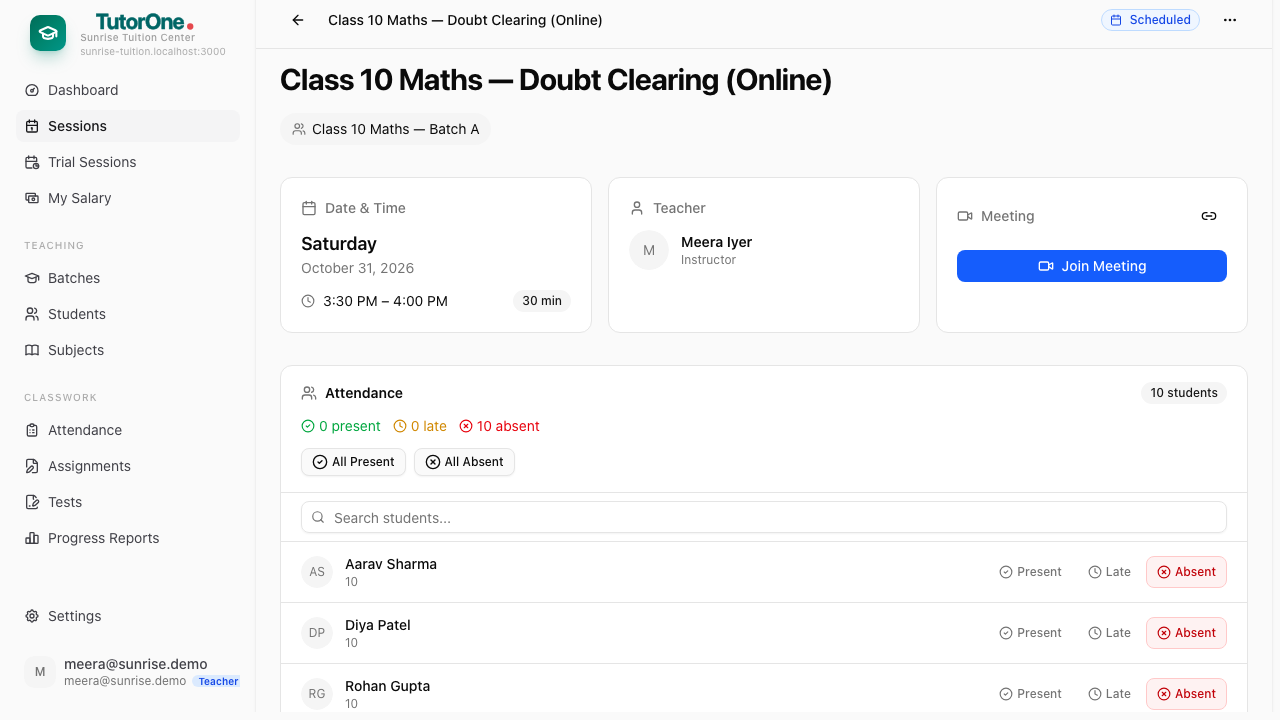
You don't mark it as online. Every session gets its own meeting link.
- 4
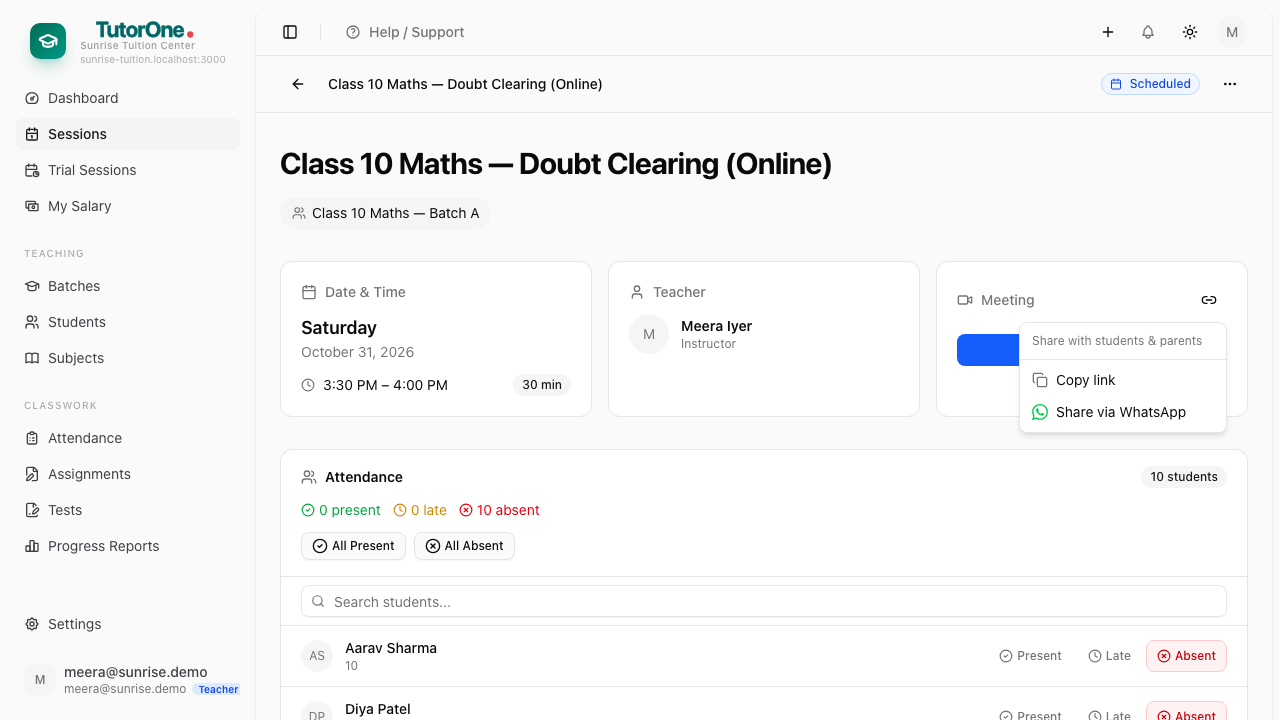
Open the session. To send the link to a parent or a student having trouble, press Copy link.
- 5
When it's time, press Join Meeting. Camera, microphone, screen share and chat.
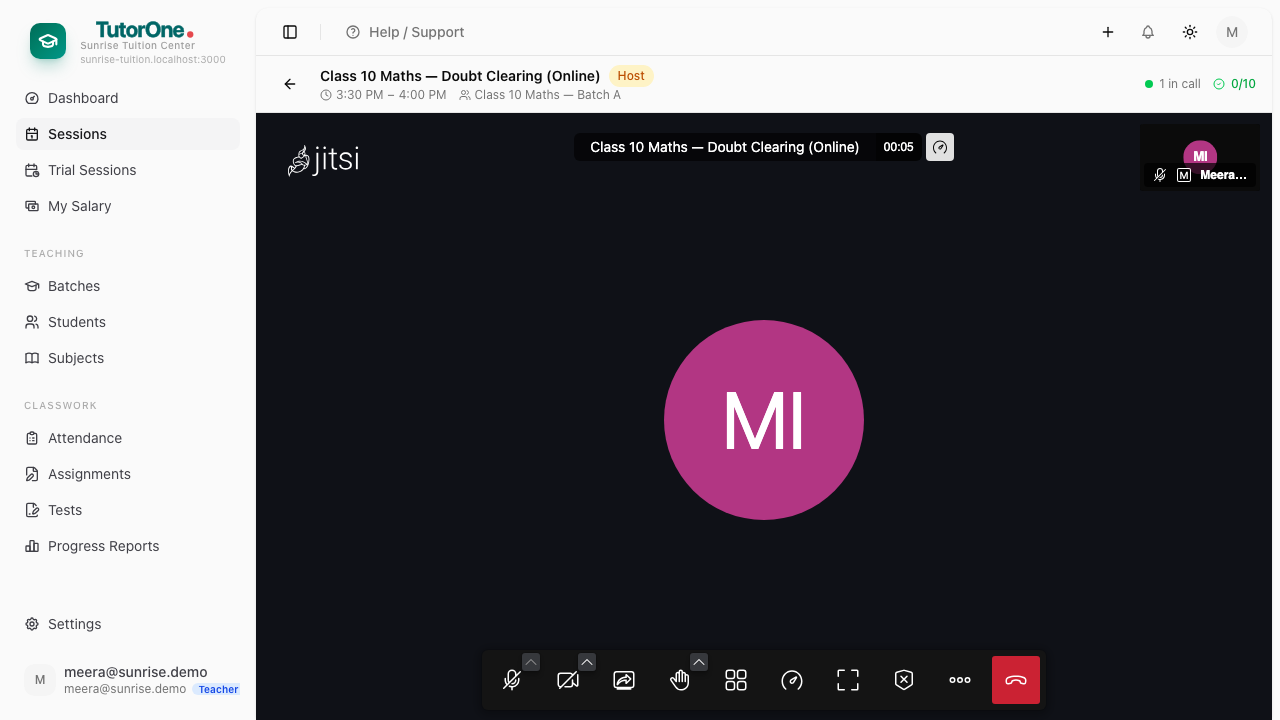
Students can only join around the class time; you can open the room whenever, because you're the host. Attendance still applies — mark it afterwards like any other class.