Guide › Owner › Sign in and set up your centre
Sign in and set up your centre
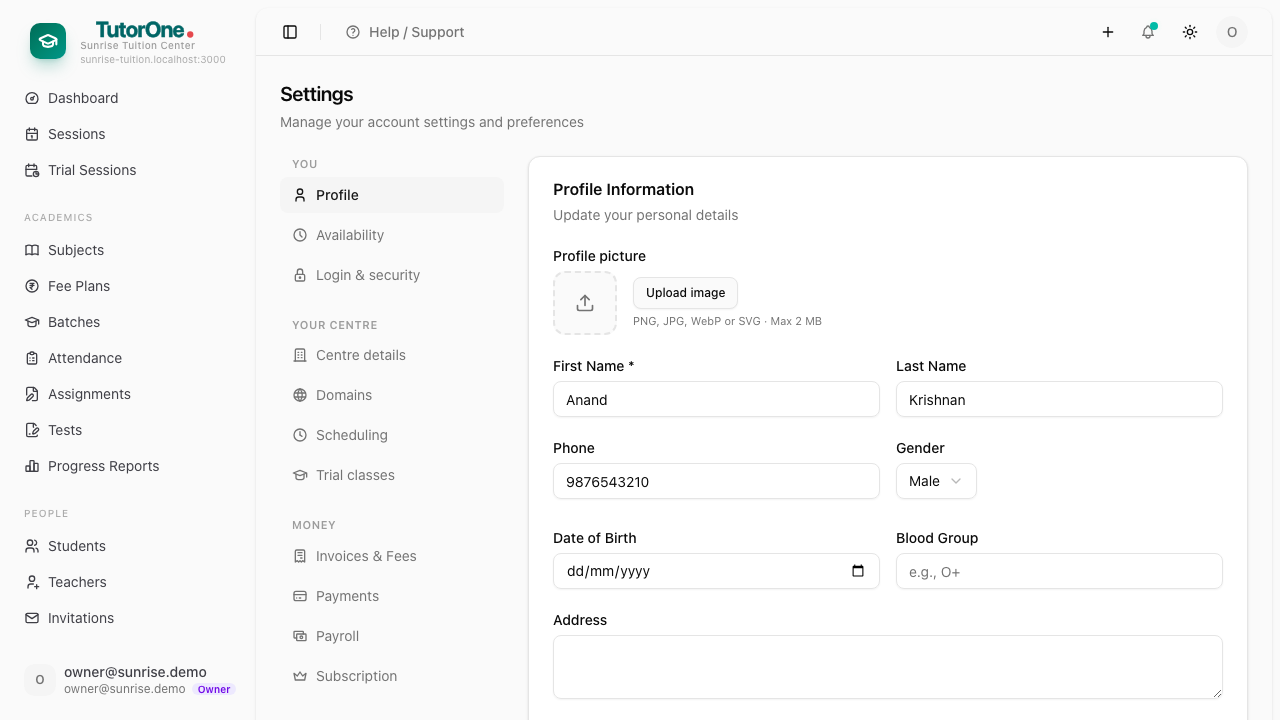
Your centre's name, address and the details that appear on invoices.
- 1
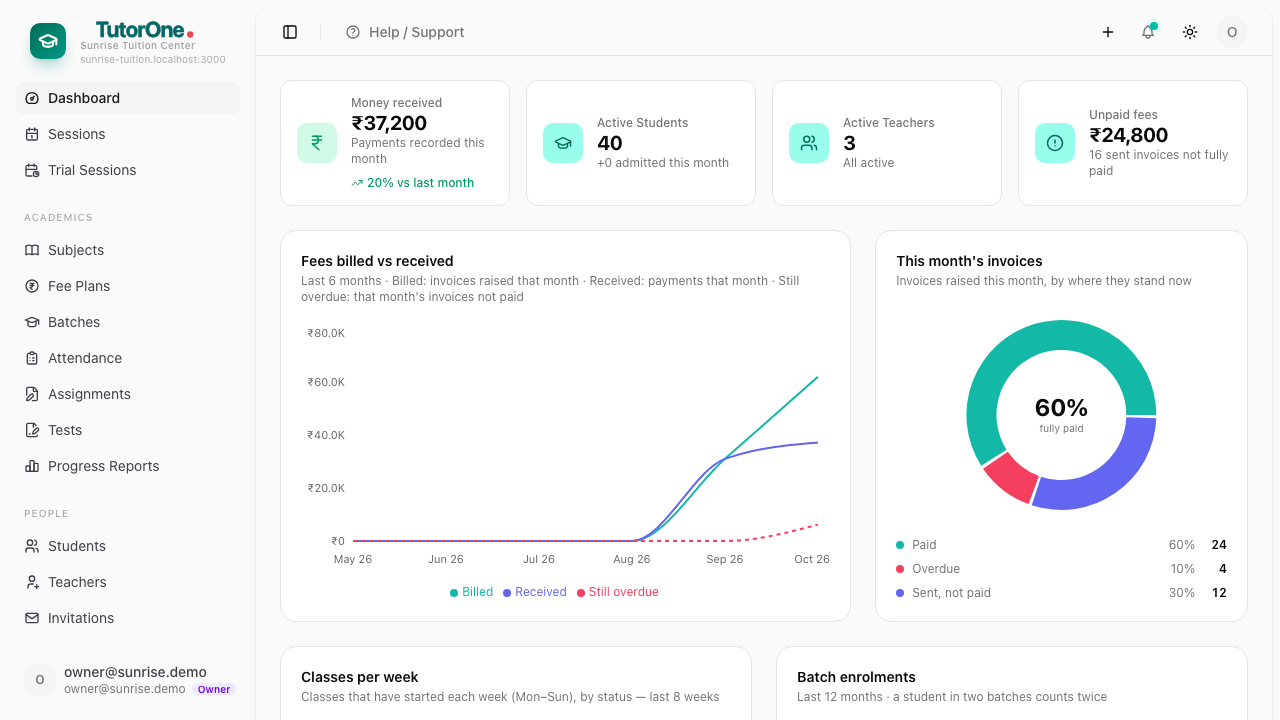
Sign in with your email, confirm your centre, then your password.
- 2
Open Settings and fill in your centre's name, address and contact details — these appear on every invoice and report a parent sees.