TutorOneINDIA
PricingContact us
LoginStart free
Owner guide · 10 topics
  1. 1.What TutorOne is
  2. 2.Sign in and set up your centre
  3. 3.Subjects and fee plans
  4. 4.Create a batch
  5. 5.Add students
  6. 6.Invite your teachers
  7. 7.Attendance across batches
  8. 8.Invoices and payments
  9. 9.Finance reports and payroll
  10. 10.Enquiries and your public page

Owner

  1. 1.What TutorOne is
  2. 2.Sign in and set up your centre
  3. 3.Subjects and fee plans
  4. 4.Create a batch
  5. 5.Add students
  6. 6.Invite your teachers
  7. 7.Attendance across batches
  8. 8.Invoices and payments
  9. 9.Finance reports and payroll
  10. 10.Enquiries and your public page

Guide › Owner › Finance reports and payroll

Finance reports and payroll

What came in, what went out, and what you owe your teachers.

  1. 1

    Open Reports under Finance for collections, dues and the month's picture.
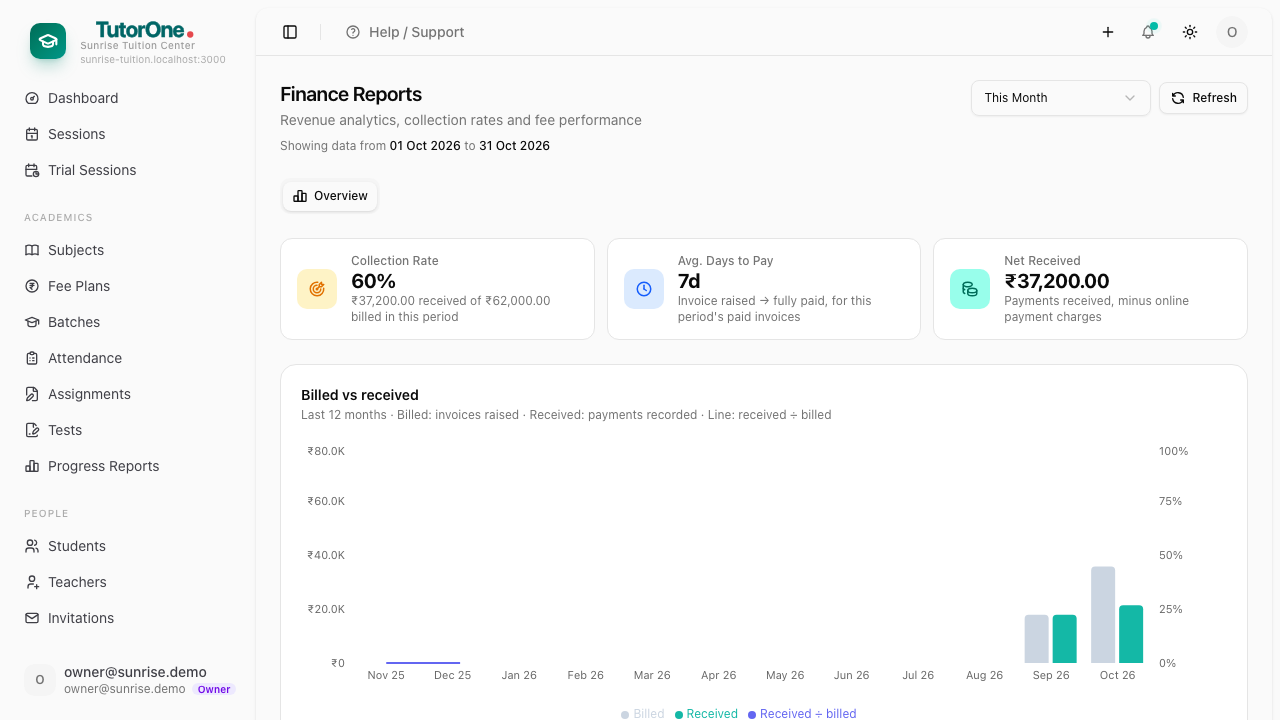
    Step 1: Open Reports under Finance for collections, dues and the month's picture.
  2. 2

    Open Payroll for what each teacher is owed, worked out from their sessions or their fixed amount.
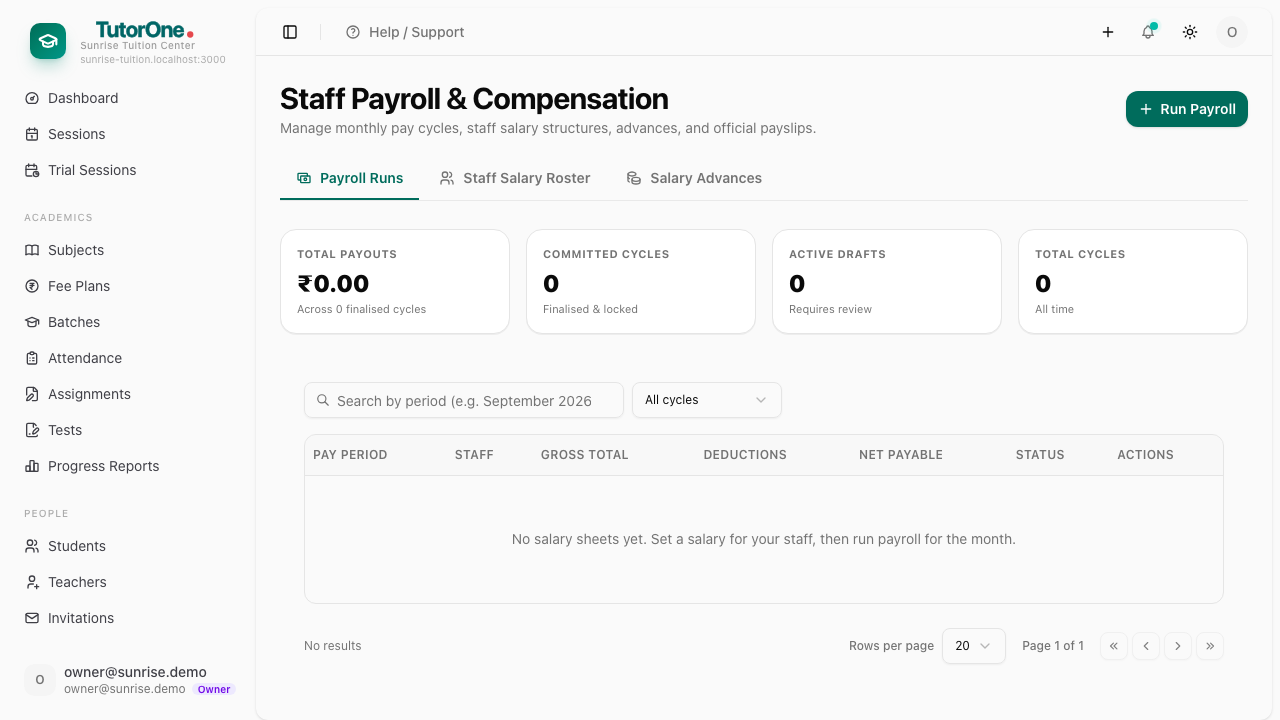
    Step 2: Open Payroll for what each teacher is owed, worked out from their sessions or their fixed amount.
Previous← Invoices and paymentsNextEnquiries and your public page →
TutorOneINDIA

Tuition centre management software built for India — attendance, UPI fees, online tests and parent reports in one app.

Features

AttendanceFees & paymentsTests & resultsProgress reportsParent portalBatches & schedulingAll features →

Compare

vs Classplusvs Teachmintvs Excel & WhatsApp

Free tools

Flyer makerFee receipt generatorFee & revenue calculatorAttendance sheetReport card generatorGST calculatorID card makerWhatsApp reminder linkAdmission form makerTimetable maker

By city

ChennaiBangaloreMumbaiDelhi NCRHyderabadPuneCoimbatoreKolkataAll cities →

Company

Blog & guidesPricingFAQLog inAboutContactWhatsApp usStart free
Privacy PolicyTerms of ServiceRefund & Cancellation Policy
© 2026 TutorOne. All rights reserved.
🇮🇳 Made in India · Payments powered by Razorpay