Guide › Owner › Invite your teachers
Invite your teachers
They set their own password and see only their own classes.
- 1
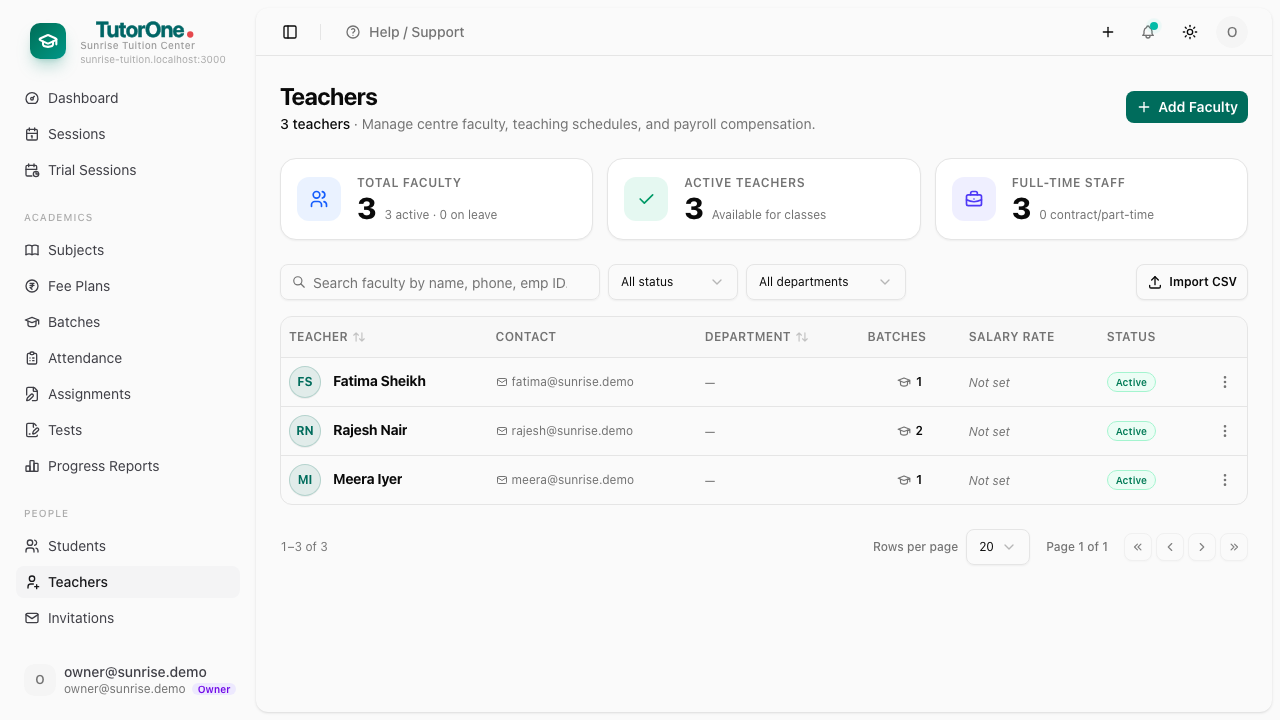
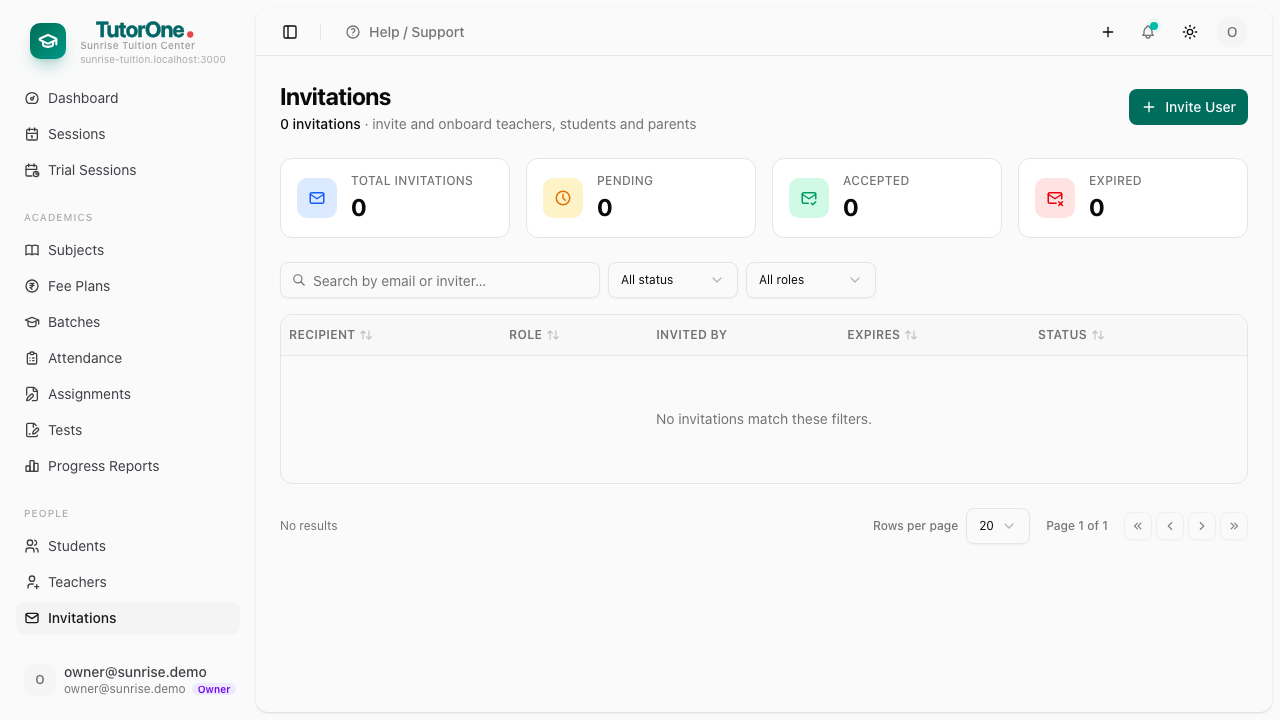
Open Teachers and add the teacher, then open Invitations to send the invite.
- 2
They get an email, set a password, and land on a menu limited to their own batches and students.
Send them this guide's teacher track at the same time.